Separate four questions
Ask whether content is accurate and sufficient; whether readers understand words and relationships; whether they can find the part they need; and whether it works with their devices and assistive technologies. A letter-and-sentence counter addresses only part of language. It cannot detect an expired form link or instructions available only in an image.
Keep these checks distinct rather than combining them into a quality badge. Define task and audience first: first-use guidance differs from a technical archive. Do not infer every need from a broad user category. Observe actual difficulties and, where the project requires it, check choices with relevant people and tools.
Make headings a map
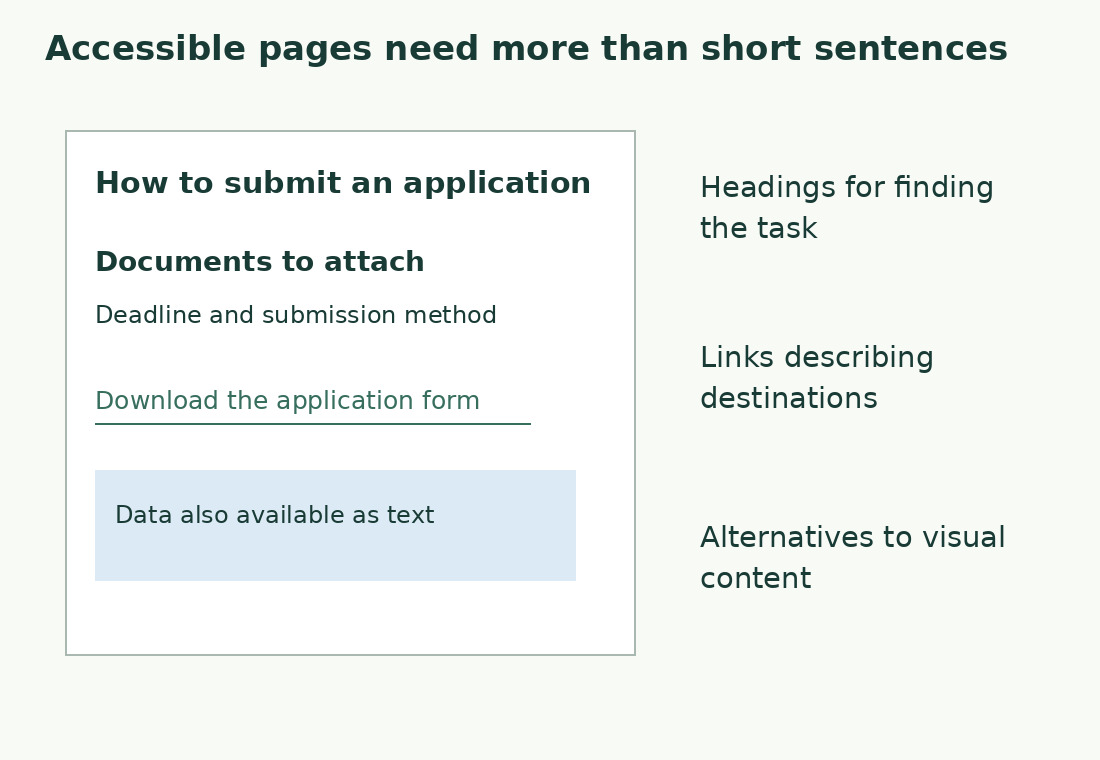
Headings should predict content. “Documents to prepare” says more than “Useful information”. Readers scanning headings alone should recognise the page’s main route.
Represent web hierarchy in code as well as size. W3C WAI explains headings’ role in organisation and navigation. A main section and subsection should not be encoded at the same level merely because they look similar. Read title, headings and subheadings alone. Replace repeated “How to” labels with specific ones, and fix headings promising absent content. Structure follows information rather than repeated keywords.
Describe link destinations
“Download the room-booking form” reduces uncertainty more than “here”. Include format or size where it affects use. Do not promise an online procedure when the destination is only information.
Distinguish links: three “Read more” labels force people to recover context from paragraphs. Use topic or document names. Avoid instructions relying only on position or colour, such as “press the green button on the right”; layout and colour perception vary. Name the visible action, such as “Submit application”, matching the actual interface. A more elegant invented label is harder to find.
Choose blocks for the task
Give each paragraph one recognisable idea. Requirements, deadlines and support may need separate blocks. This improves scanning without deleting information.
Use numbered lists for sequences, bullets for independent items and tables for comparisons across the same criteria. A table of long prose may work better as a labelled list. Explain the comparison and check its headers. On a phone, test reading a complete row of a wide table. If meaning depends on a header that disappears, consider another presentation. A visual should clarify rather than obstruct an otherwise clear explanation.
Keep essential information outside images
An annotated screenshot can locate a control, but text should also state the action. Provide data and interpretation for formulas and numerical comparisons. Tiny image text should not be the only route to the main result.
Alternative text should express the image’s informative function in context, without needlessly repeating an identical caption. A nearby explanation and table may serve a complex chart better than a long description compressed into one attribute. Use real screenshots when claiming to show software, naming version or environment where relevant. An invented screenshot can send readers to a nonexistent command. For abstract concepts, use an accurate diagram identified as a schematic.
Review language and the actual page
First check sentences, unexplained terms, ambiguous references and repetition. The Gulpease check can flag Italian passages; the formula is specific to Italian. Then inspect the real page: magnification, reading order, headings, links and visuals.
Ask a reader to find a requirement and explain the next step without correcting their route aloud. Record where they search and which label misleads them. This is task feedback, not complete technical certification. W3C’s supplementary cognitive recommendations are not all mandatory WCAG conformance requirements. Keep editorial improvements separate from formal criterion assessment. Text review alone does not justify “100% accessible”.
Maintain changing content
After procedural changes, check button names, downloads and related errors. Instructions referring to old labels become unusable. Keep a list of items that must change together.
Assign fact checks to someone who knows the service and structural checks to someone able to inspect it. One person can do both, but the activities differ. Provide a recognisable, working reporting channel; an apparently submitted form delivering nothing is insufficient. Ask for the blocked task and environment, avoiding personal details unnecessary to understand the difficulty.
Readable words can still be difficult to use
| Check | Practical question | Does counting solve it? |
|---|---|---|
| Language | Is the term explained? | Only partly |
| Structure | Do headings lead to documents and deadlines? | No |
| Links | Do I know where the link goes? | No |
| Visuals | Is data available without the image? | No |
Sources and checks
- W3C WAI: headings · Headings’ role in content organisation and navigation.
- W3C WAI: clear content · Supplementary cognitive guidance, distinct from mandatory conformance requirements.