When a field helps
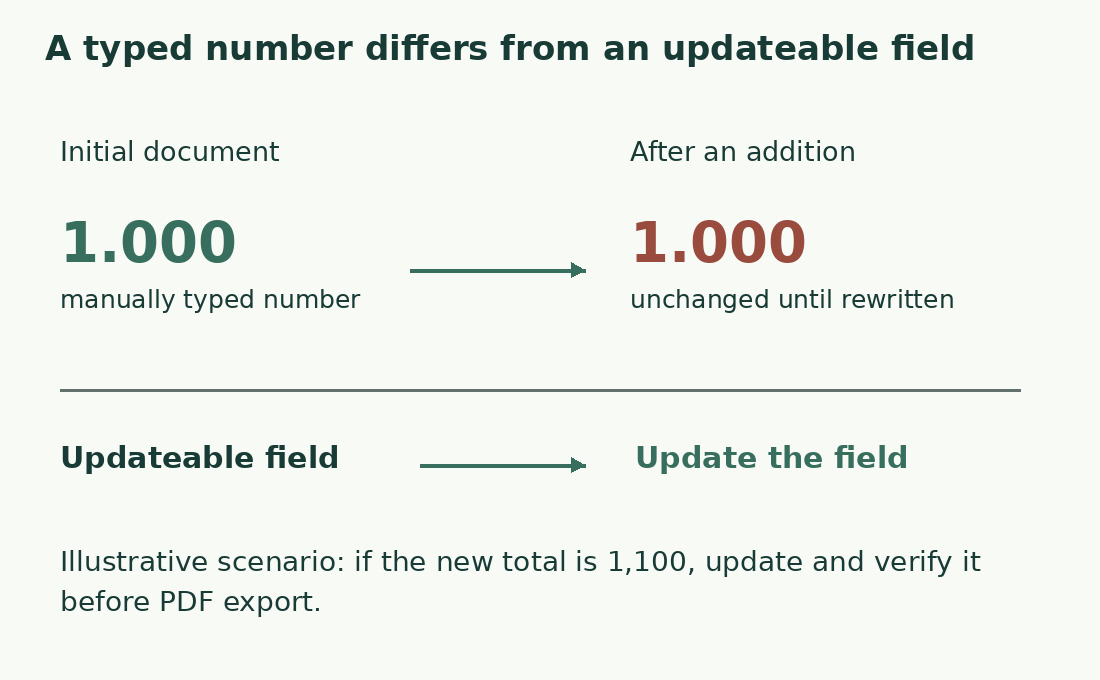
A count typed on the first page becomes stale after an edit. NumWords supplies an updatable document statistic for a cover or article information sheet; ordinary statistics suffice for simply reading the total.
Define what the number represents. NumWords is a document statistic, not a custom counter for any selected abstract. Use a clearly labeled partial figure or a file containing only required material when necessary. Explain exceptions such as excluded references in a scope note.
Insert the actual field
Microsoft’s desktop route is Insert → Text → Quick Parts → Field; choose NumWords. Ribbon layout and platform may differ, so the field name is the useful reference. Add an accurate label. Typing its name in ordinary braces does not create a field.
If the command is absent, consult your version rather than borrowing another platform’s keys. On an invented-text copy, edit a short sentence and try updating to distinguish a real field from a static number.
Update after editing
Use Update Field from the context menu. Microsoft also documents updating fields before printing through a Word option. Neither replaces checking the actual delivery copy.
A draft growing from 720 to 765 words increases by 45. If the cover still says 720, check updating and file version rather than forcing the text back. Updating a table of contents, cross-reference or NumWords does not approve revisions, fix exclusions or validate the adjacent label.
Compare with document statistics
Clear selections and compare the updated field with the words row. NumWords is the wrong metric for a character limit. Words vary in length: 1,000 words do not determine exact characters or Italian publishing cartelle. Count required characters and divide by the agreed unit.
Labels and cover lines are document text too. If the cover is excluded, a general total may not represent the body. See counting selections and chapters.
Inspect the exported file
A PDF retains the value exported at that moment; later Word edits do not update it. Update, verify, generate the delivery copy and open it to inspect the number. Name editable, approved and final PDF copies distinctly. A “final” filename does not establish export after updating.
The before-printing option does not prove every save or export route performs the same operations. Keep the associated Word file to reproduce the measured version.
Choose a method matching the scope
Do not present a general field as a custom five-chapter total excluding notes and references. Use a verifiable ledger and, if helpful, a counting copy. For a short online-form answer, the word counter may suffice; the destination can apply its own rules after pasting.
If an organization requires the number inside the file, agree whether the general statistic is acceptable or a scope declaration is needed. NumWords solves updating, not the editorial choices of unit and included parts.
A field does not certify delivery
Recheck content and field together: an edit after updating can leave an old result. If a declaration is required, state the rule, such as “main text and notes included, references excluded”. Measure separately if that scope differs from the whole file; do not overwrite the automatic result while pretending it retains its function.
Open the exported file and ensure it displays the expected number, not the field-code name. This checks what the reader actually receives.
Updatable field versus typed number
| Situation | Typed number | NumWords field |
|---|---|---|
| Add a paragraph | Unchanged until retyped | Can be updated |
| Export PDF | PDF retains that value | PDF retains the exported result |
| Need only an abstract | Measure the required passage | General field does not define that scope |
Sources and checks
- Microsoft: Insert a word-count field · NumWords insertion and explicit update.
- Microsoft: Update fields · Manual field updates before final delivery.