Start with an identifiable copy
Check document name, location and synchronization. An attachment and a shared-folder copy can look identical yet contain different edits. Save a reference copy, such as “report-comparison”, and hold its content fixed. Changing a title and removing a note while comparing environments prevents diagnosis.
Microsoft’s current comparison lists word count in both web and desktop Word. Do not repeat an old blanket assertion that the web figure is always approximate; inspect the actual file and your version’s information.
Align units and selection
Compare the same statistics row: words cannot be compared with characters excluding spaces. Clear selections for the initial whole-file comparison. Then select an ordinary sentence without notes, images or unusual symbols.
Keep this literal Italian sample: La consegna arriva domani. has four words, three spaces, 22 letters and a period: 23 characters without spaces, 26 with spaces. If it agrees but the complete file does not, examine scope and structure. If it disagrees, check selection boundaries and extra spaces first.
Inventory separate document elements
List main text, headings, tables, notes, text boxes, headers, footers and comments, noting presence and delivery requirements. This is a checking method, not a claim that either environment automatically includes everything.
A 1,900-word article and a 50-word box total 1,950 if both are required. A reading of 1,900 suggests an omission to verify. Words in images are not editable text: if required, prepare an identified, checked transcription instead of assuming automatic recognition.
Separate tracked changes from display
Hiding markup does not accept or reject changes. Prepare a counting copy, apply agreed editorial decisions and preserve original history. If approval is pending, label the count provisional and identify the measured state. A screenshot cannot make an unapproved draft final.
After bulk decisions, compare changed passages: rejecting a deletion restores what accepting it removes. See counting with tracked changes.
Reduce the file to a reproducer
On a test copy, remove half the content and check whether the discrepancy remains. Continue in the part that reproduces it until you reach a note, box or sentence. Never alter the delivery file for diagnosis.
Inspect nonbreaking spaces, apostrophes, hyphens and composed emoji: different character units can matter. A useful report includes minimal nonconfidential text, both values, metric and environments; “Word is seven off” is insufficient.
Choose the delivery method
Follow the recipient’s specified version or method. Otherwise agree final copy, scope and unit. Compare the identical main passage in the word counter as an independent text check, remembering that pasting can omit separate elements.
After resolving an omission, record the correction and recheck the latest file. A repeatable method matters more than changing software for every document.
Check small differences and concurrent edits
Record both values and the exact short passage: an extra period or leading space may explain the gap. For shared files, check whether someone edited between measurements. Wait for saving and use a recognizable fixed copy.
If the sample agrees, expand by groups: main body, notes, then separate elements. This narrows the cause without prejudging which application is wrong.
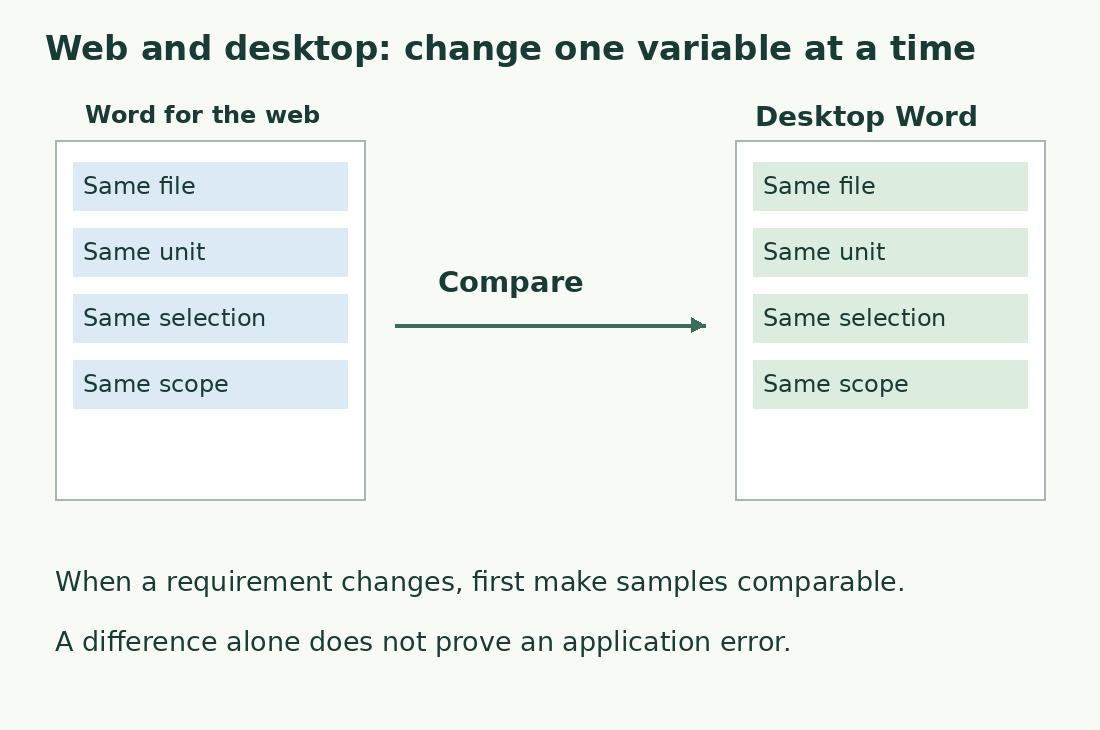
Change one variable at a time
| Check | Environment A | Environment B |
|---|---|---|
| Document copy | Same name and content | Same name and content |
| Unit | Characters including spaces | Characters including spaces |
| Selection | None | None |
| Scope | List of included parts | Same list |
| Test passage | Same sentence | Same sentence |
Sources and checks
- Microsoft: Word web and desktop comparison · Feature comparison; scope still needs a separate check.
- Microsoft: Word count and selections · Document and partial-selection statistics.