Keep each count beside its record
Keep an identifier, original text and length in separate columns. For text in A2, enter =LEN(A2) in B2 without overwriting the original. LibreOffice documents LEN as string length including spaces. Start with a short hand-countable sample before filling down. If the formula is rejected, check function language and separators; a syntax error and an unexpected measurement require different diagnoses.
State how spaces are treated
When the requirement includes spaces, retain them in the measured string. To exclude only ordinary spaces use =LEN(SUBSTITUTE(A2;" ";"")), labeling the column accordingly. The difference can reveal repeated spaces but does not identify every invisible character. Tabs and line breaks are not the ordinary space targeted here. Preserve the original and put any deliberate cleanup in another column; space-free prose is a different text.
Check three exact strings
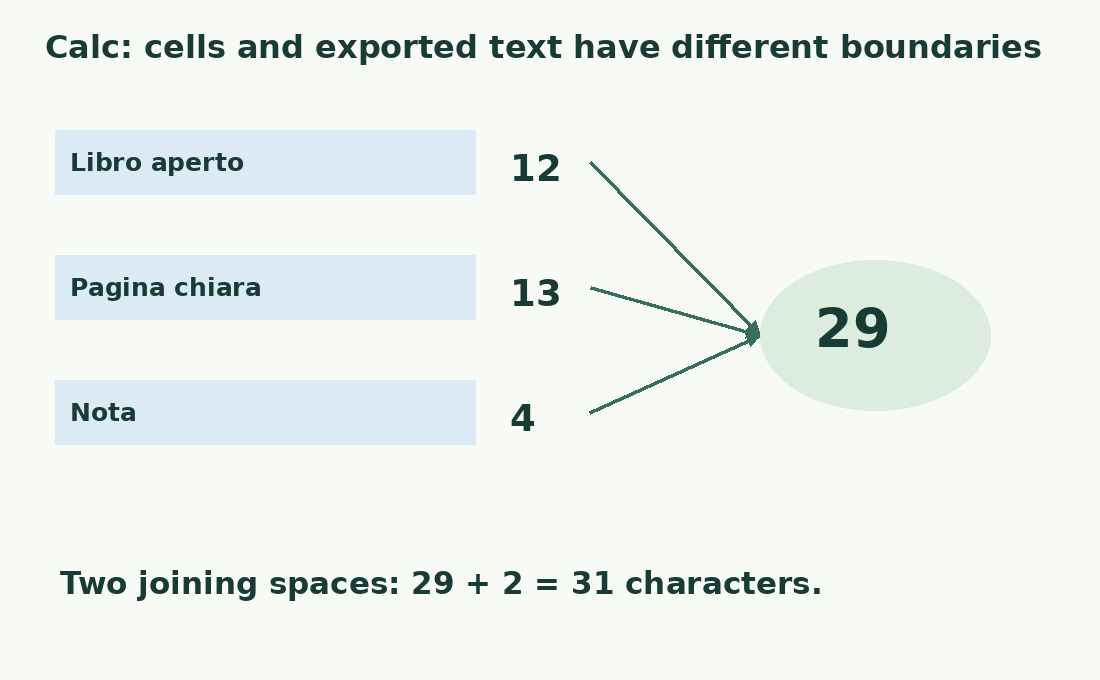
The literal Italian strings Libro aperto, Pagina chiara and Nota have lengths 12, 13 and 4, totalling 29. Removing their ordinary spaces gives 11, 12 and 4, total 27. If B2:B4 holds the lengths, =SUM(B2:B4) returns the component total. Joining the three strings with two added spaces gives 31 characters. These are checked arithmetic examples, not reported native-app tests.
Maintain the correct range
Check both ends of the summed range. Exclude headings, examples and summary rows unless intentionally included, and verify helper formulas and totals after adding records. A plausible sum cannot reveal a missing final row. When sorting by length, keep all columns of a record together. Preserve individual lengths for per-field limits: the same total distributed across ten short rows differs operationally from one long field.
Separate empty text from unfinished work
Empty text has length zero; one ordinary space has length one. Both may look like an unfilled description, but they are different strings. An upper limit alone does not enforce required content. A formula returning "" also measures zero although the cell contains a formula. Track missing data and editorial completion separately rather than inferring progress from character totals.
Prepare the text representation to publish
For dates, numbers and codes, decide which representation will enter the destination. A formatted display is not automatically the exact text to export. Preserve leading zeros, units and punctuation where required. Keep calculable values apart from their publication strings; include prefixes and separators before measuring. After transfer, compare a sample with the prepared output, particularly near limits or where formatting and special characters matter.
Review rows exceeding their limit
Put the allowed maximum and remaining allowance beside each result. Negative allowance identifies rows needing revision. Do not truncate blindly: a cut can remove a negation, code fragment or necessary condition. Remove repetition and reread meaning. Calc text-length validation assists entry but has documented limits for existing or pasted data. A short field can still be incomplete or ambiguous.
Keep the check reproducible
Record the output column, space rule and measured range. Retain a small control sample to detect changed references when the sheet structure moves. A formula can keep returning numbers while measuring the wrong column. For one final string use the character counter; for word limits follow the Calc word-count method. Communicate the correct unit and scope rather than estimating one measure from another.
Cells and joined output have different scope
| Element | With spaces | Without ordinary spaces |
|---|---|---|
| Libro aperto | 12 | 11 |
| Pagina chiara | 13 | 12 |
| Nota | 4 | 4 |
| Initial sum | 29 | 27 |
| Join with two added spaces | 31 | Measure output separately |
Sources and checks
- LibreOffice: LEN and text functions · Measure each cell with LEN, distinguish ordinary spaces, sum a range and check the final joined text rather than its components alone.
- LibreOffice: LEN and text functions · Measure each cell with LEN, distinguish ordinary spaces, sum a range and check the final joined text rather than its components alone.